Edit hosts file and filter sites
In general, the hosts file does not work or malicious programs can block access to your hosts file. RstHosts does what antiviruses can't and can edit your hosts file.
DownloadIn general, the hosts file does not work or malicious programs can block access to your hosts file. RstHosts does what antiviruses can't and can edit your hosts file.
Download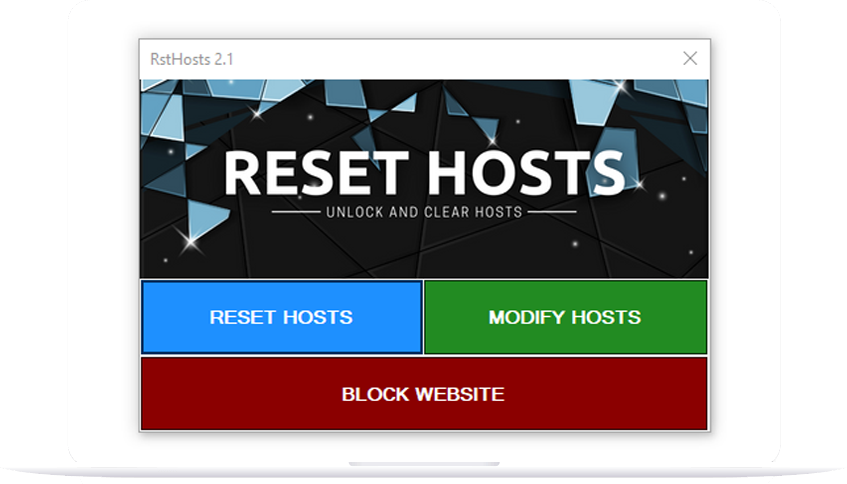

This software was produced free of charge and its development continues in Turkey. The purpose of Reset Hosts is to remove the blockage of the hosts file, which is caused by Microsoft's security vulnerabilities and blocked access by viruses, to clean it and open it for editing. It allows you to filter websites.
Remove the virus blocking the Hosts file with the Reset Hosts program and clean it immediately.

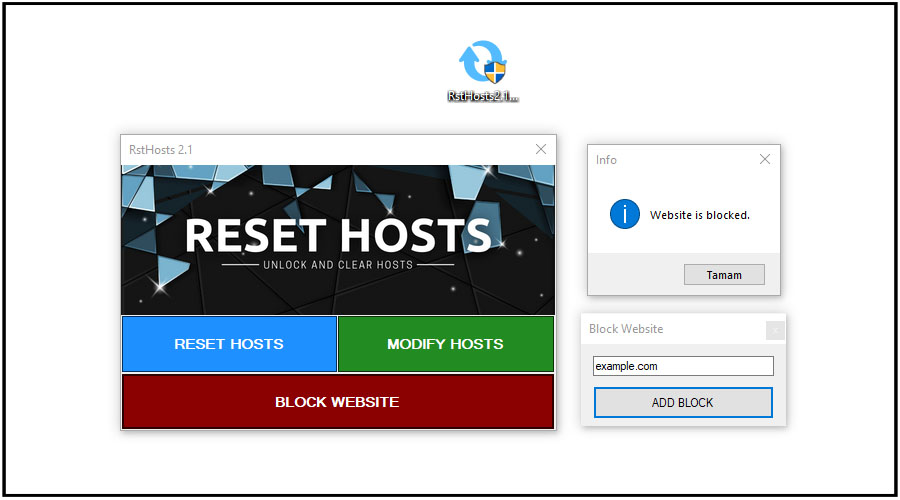
Instantly filter and block access to a site you don't like from your computer and stay safe.

It deletes the undeleted hosts file, removes the access block and allows you to make edits freely.
We have listed for you the websites where the RstHosts program is shared around the world. These sites publish the RstHosts program for us.





Start filtering websites. Remove access blocks from malicious software to your "Hosts" file and make edits freely. Now all of this is very easy with the Reset Hosts program, download it now for free.
Download Reset Hosts unblocks access to the hosts file on your computer.
Below we have listed other features of the reset hosts program for you.
If the hosts file is blocked from access by malicious software, resetting hosts will fix this.
It ensures security by filtering the sites you want to block from accessing the computer.
Viruses edit the hosts file and can block antiviruses. Resetting hosts fixes this.
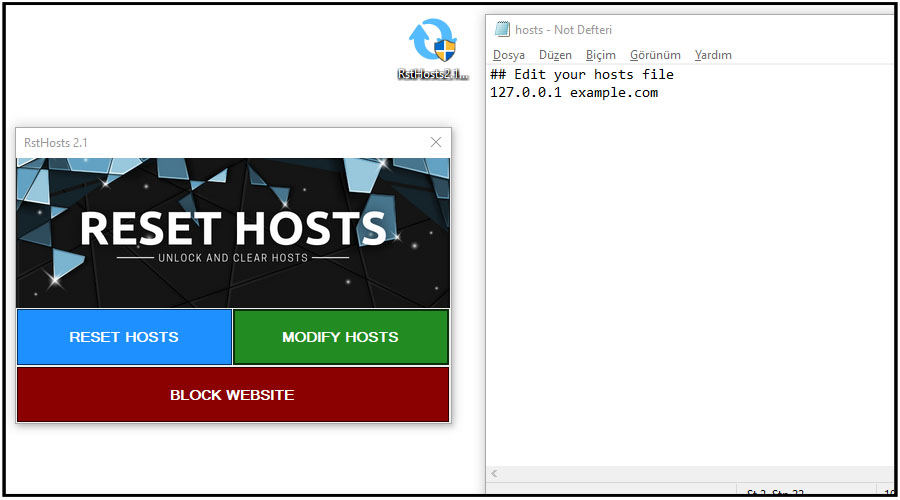
While the software runs on Windows operating systems, some images from users have been transferred.
Reset Hosts unblocks access to the hosts file on your computer and allows you to edit it freely.
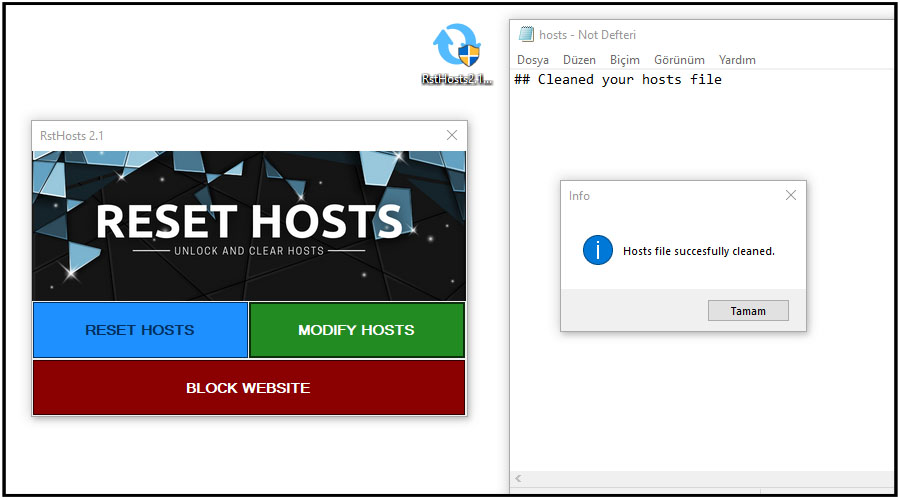
Subscribe now and be informed about developments and updates.
RstHosts Mutlu LTD.ŞTİ. It is a free software produced by.
If you have questions about this software, you can contact us.
Why is RstHosts program free and what are its purposes?
We answered the frequently asked questions for you.

The Reset hosts program serves to filter websites. For example, you can block access to any website you want only on the computer you are using. It also deletes the undeleted hosts file from your computer and removes the edits made by malicious software.
Reset hosts software does not only work on Windows XP operating system. Apart from this, it works stably on all other operating systems such as Windows 7/8/10/11.
The hosts file, located in the C:\Windows\System32\drivers\etc folder, is a file extension that viruses love most due to the security vulnerability neglected by Microsoft. These viruses block your access to websites and render antiviruses ineffective. This is where Reset Hosts software comes into play, opening access to blocked sites on your computer and eliminating viruses. Our goal is to eliminate programs that prevent you from accessing hosts files and enable you to edit the hosts file freely.
You can download the Reset hosts software from here and after opening it, you can completely eliminate your hosts file or filter the websites by editing it. If you need more help, be sure to watch the videos in the review section of our website.